Imagine your book flying off the shelves—not just through words, but through a captivating video that brings your story to life. Book trailers are the modern author's secret weapon, and thanks to AI, creating one is easier than ever.
Here in this article, we'll show you how to use an AI book trailer maker called FlexClip to make your book trailers more interesting with a streamline and simplified process.
Bonus: Free Editable Book Trailer Templates for Your Inspiration

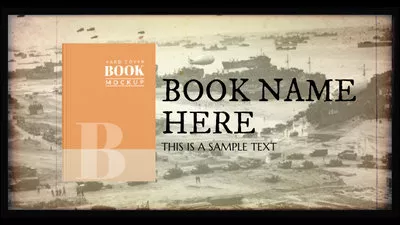


Create Video Faster with FlexClip's Pre-Made Templates →
Start from Scratch Easily with FlexClip's Online Video Maker →
Also Read: 5 Best Online Movie Trailer Makers >
Part 1 How to Make a Book Trailer Video with FlexClip
Making a book trailer video is easier than you think with AI. Follow the tutorial below to produce a strong trailer video for your book with AI.
The only tool we need here is FlexClip. It takes your book trailer videos to the next level, helping you generate video script, create engaging footage(both the A-roll main content and the B-roll footage), add realistic human-sounding voice narration, choose motivating music, and edit seamlessly. Let's dive into the detailed steps below.
Before getting started, please get all materials organized, like video clips, photos, background music on your computer, then click the Create a Trailer button below to get started now directly.
Pro Tip: Never forget to try FlexClip's AI image generator and video generator to craft some creative and unique materials to create your book trailer.


Step 1 Generate Book Trailer Script
Once you access FlexClip's editor, switch to the Tools tab on the bottom of the sidebar, then select the AI Video Script tool to test various prompts and book excerpts to see what yielded the best script. For example, you can ask the AI to create a script for a nonfiction book trailer based on the following excerpt…
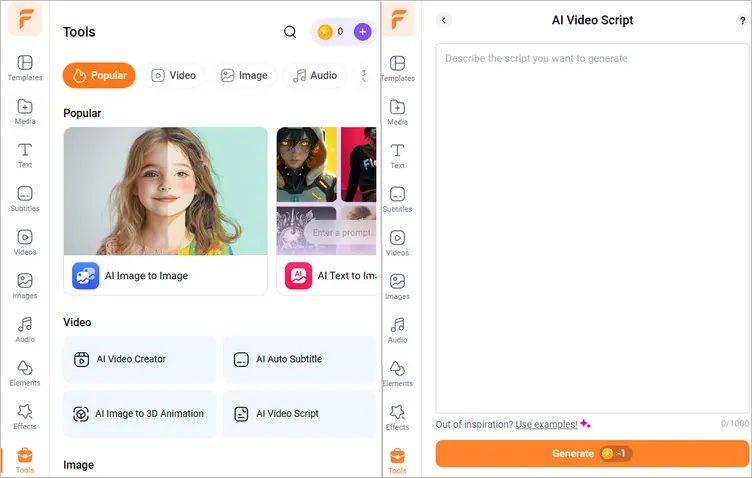
Image Board: Make a Book Trailer with FlexClip - Generate Script
Once done, you can fine-tune the AI-generated book trailer scripts. If you don't like these scripts, you can go back and tailor the script prompt, then click the Generate button to regenerate scripts.
Step 2 Add Footage to Your Book Trailer Video
Now you can refer to the script to add material to your book trailer. Simply upload your footage from the Media tab. Here you can upload from your computer or mobile phone and some third-party platform, like Google Drive, Google Photos, etc.
Alternatively, you can simply pick some related clips or photos from FlexClip's extensive video and photo library to make a book trailer video directly.
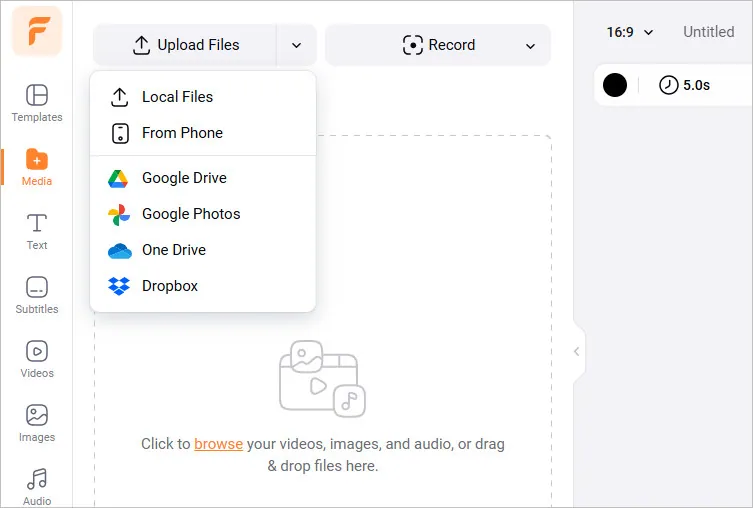
Image Board: Make a Book Trailer with FlexClip - Upload Footage
Step 3 Choose a Captivating Template for Your Book Trailer
FlexClip provides a rich library of customizable, professionally designed templates, helping streamline your book trailer creation process. Simply go to the Templates tab and choose the one that best aligns with your book's mood and genre. If you're feeling daring, you can also get started from scratch to make a custom trailer video for the book.
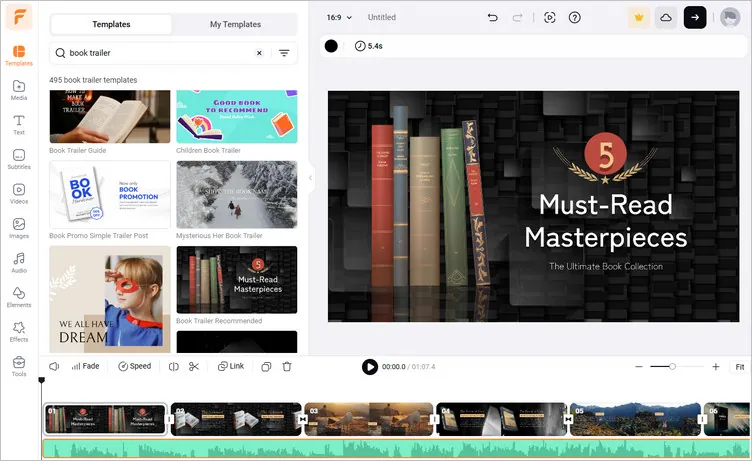
Image Board: Make a Book Trailer with FlexClip - Choose a Template
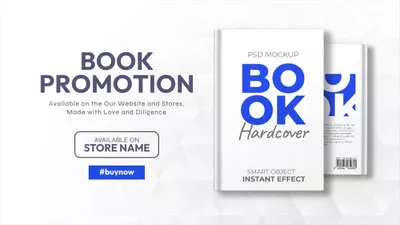
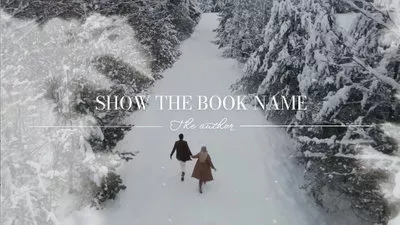
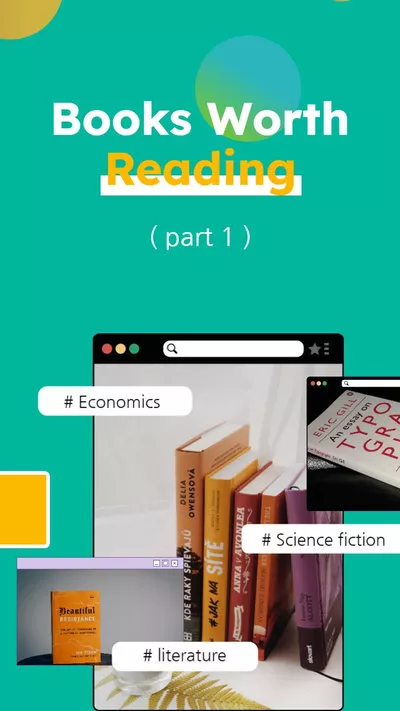
Or, you can check more templates for inspiration and stat making your book trailer video freely.



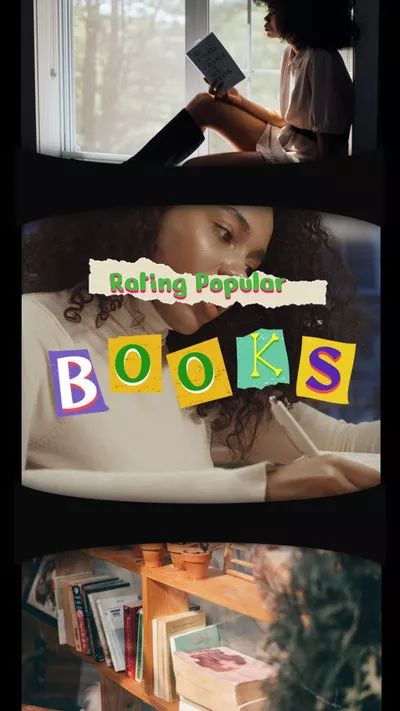
Step 4 Personalize the Template to Make it Your Own Book Trailer
Once you've selected a template, it's time to add your unique book cover and illustrations, as well as any clips and pictures that match your book's theme. Drag and drop your own pictures to the canvas to replace the default imagery in the templates, and make any edit to adjust them, if needed.
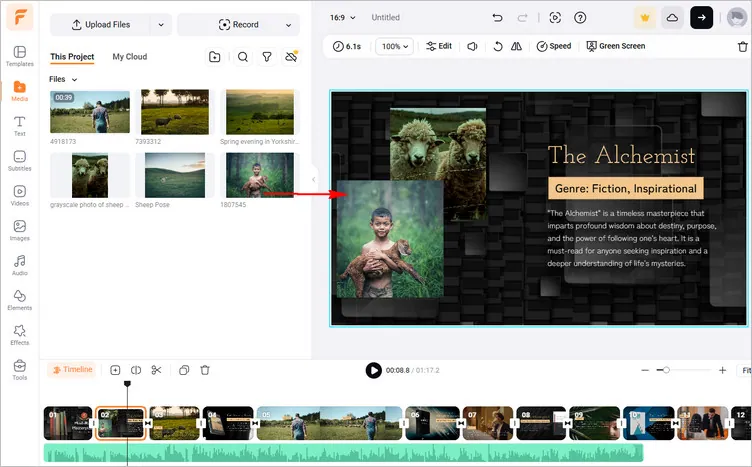
Image Board: Make a Book Trailer with FlexClip - Personalize the Template
Also add compelling text or customize the text message on each scene to draw your audience into the world of your story. Keep it succinct and captivating. FlexClip allows you to choose from an array of text animations to better relay your message.
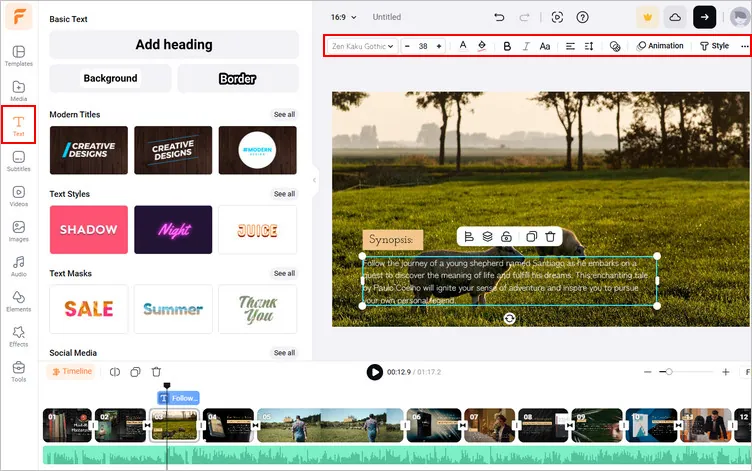
Image Board: Make a Book Trailer with FlexClip - Edit Text
Step 5 Utilize FlexClip's AI-Powered Tools to Level up Your Book Trailer
Think your trailer needs voiceover? FlexClip's powerful text-to-speech feature is a game-changer, which can help you convert any text to realistic AI voices and add it to the book trailer video quickly. Want to add captions to your trailer? The auto-subtitle tool makes it easy. These AI-powered tools make your trailer accessible and engaging to a wider audience.
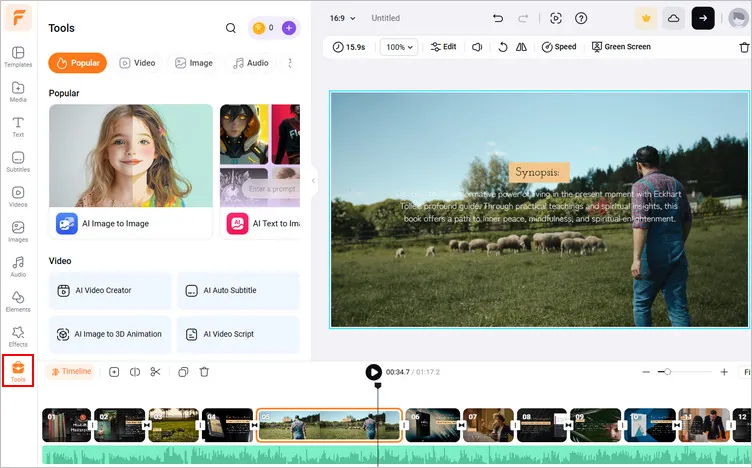
Image Board: Make a Book Trailer with FlexClip - Utilize FlexClip's AI-Powered Tools
Step 6 Final Edit and Preview The Book Trailer
After that, you can use FlexClip's easy drag-and-drop timeline to arrange, trim or split clips. Experiment with filters, transitions, overlays, and more effects until you're satisfied. FlexClip's intuitive and clean interface makes iterations quick and stress-free. Once done, hit the preview button to ensure your book trailer matches your vision.
Congratulations! You've crafted a compelling book trailer! Now, simply export your video in your desired resolution and format. FlexClip allows for various quality options from 480p to a full HD 1080p. Also, you can share your book trailer video to social media platforms, like YouTube, or generate a video link to easily send and share your book trailer.
Part 2 Why Choose FlexClip to Create a Book Trailer
FlexClip, an AI-powered book trailer maker with free templates can help you create a book trailer with great ease. It comes with powerful functions and professional templates can help you easily customize your own book trailer with photos, video clips, soundtrack, narrative, and special effects. What's more, here are advanced AI features to streamline your book trailer creation process.
AI Tools for Making Book Trailers
The AI-powered FlexClip book trailer maker empowers you with helpful AI tools to boost your video editing process, and also allows you to get things you wouldn't normally be able to do, like animating your characters, or making the stunning landscape jump straight out of your novel, and even dubbing your characters with different AI voices, etc.
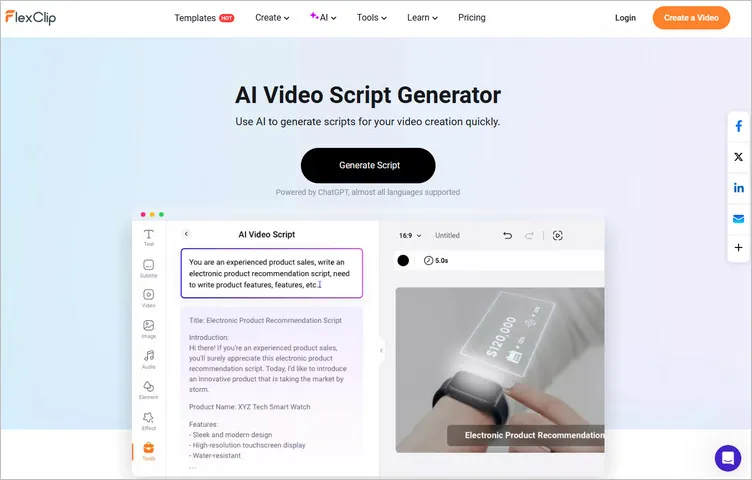
FlexClip's AI Script Generator for Book Trailer Creation
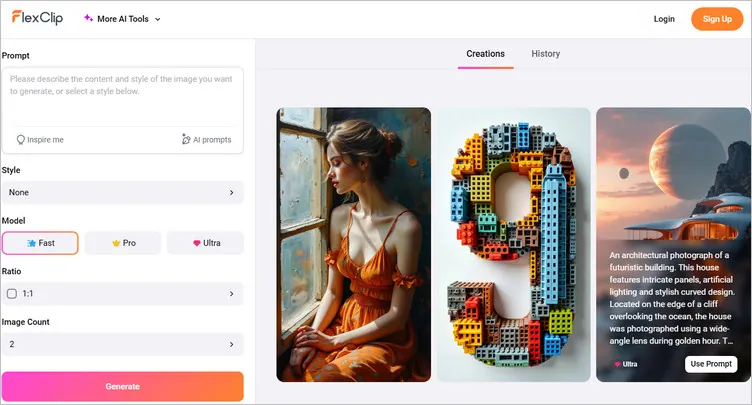
FlexClip's AI Image Generator for Book Trailer Creation
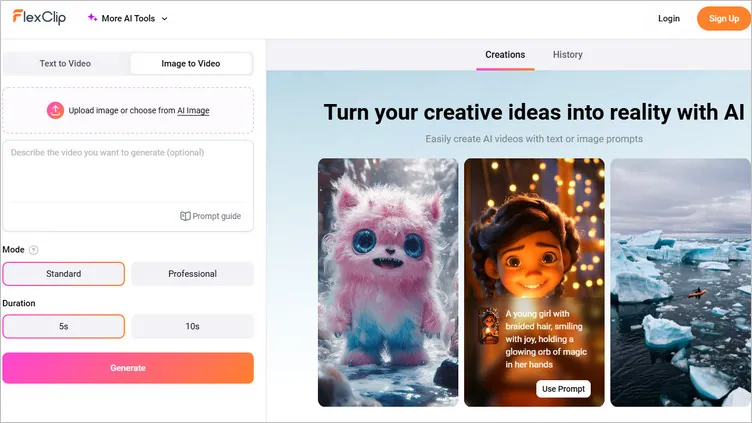
FlexClip's AI Video Generator for Book Trailer Creation
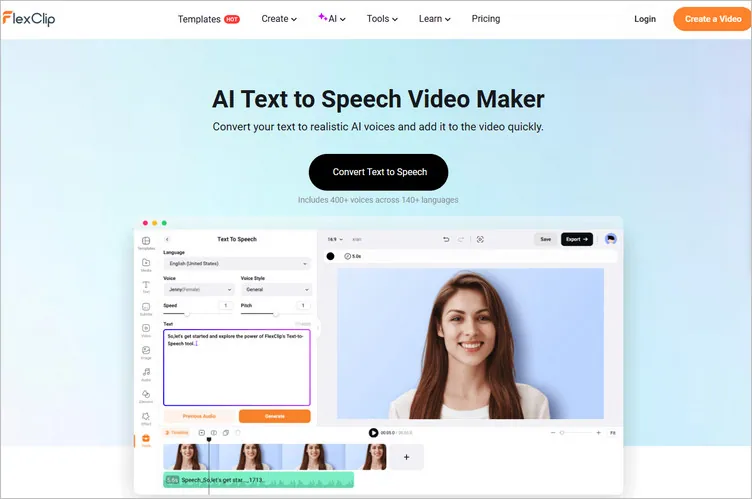
FlexClip's AI Voice Generator for Book Trailer Creation
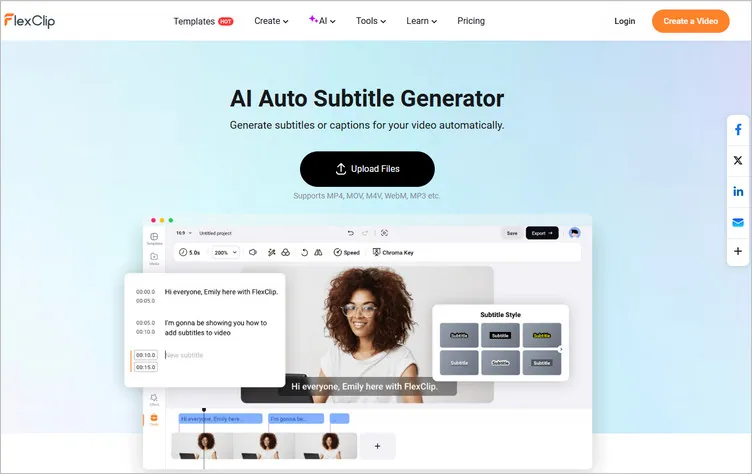
FlexClip's AI Subtitle Generator for Book Trailer Creation
Pre-made Book Trailer Templates
Making your first professional book trailer as a writer without any video editing knowledge? Not a problem. With a ton of fully customizable templates with music and styles, you can create a kickass book trailer easily. With them, there is no need not be a learner to create a book trailer. FlexClip provides ready-made templates or enables you to start from scratch.
Rich Tools & Effects for Book Trailer Footage Editing
Powerful video editing tools and special effects lets you perform all the editing actions to polish your book trailer footage. Use the basic editing tools to cut any clip whatever you want, combine multiple clips with simple clicks and try more features to level up your book trailer.
All in all, with FlexClip, you also get tons of user-friendly tools and effects to edit the collected book trailer photos and videos into a touching trailer video to prompt your upcoming masterpiece.
Final Words
Now there you have it! Ready to make your book trailer video? Try FlexClip's AI book trailer generator to create your book trailer right now! Happy book trailer video making!




FlexClip AI Video Maker
Reach professional-quality videos faster with easy editing tools, templates, and smart AI.
Start Now for Free
Hot & Trending
-

Best Ways to Find Music in YouTube Videos
-

Instagram Story Video Quality Bad After Upload? Fix It!
-

How to Repost Video on TikTok & How to Remove TikTok Repost
-

Improve Video Quality Online: 3 AI Video Quality Enhancers You Can't Miss
-

4K Convert to HD 1080p without Watermark: Best 4k Video Converters
-

Best 8 Free Video Editors - No Download Required
-

Top 13 Birthday Video Makers with Music and Effects Free
-

How to Search Filters on TikTok & Use a Filter You See - TikTok Filter Guide